Crew Studio: The Automated Agent Builder
Flows, 1,000+ connectors, and a paved path from idea to production
 Jesse Miller

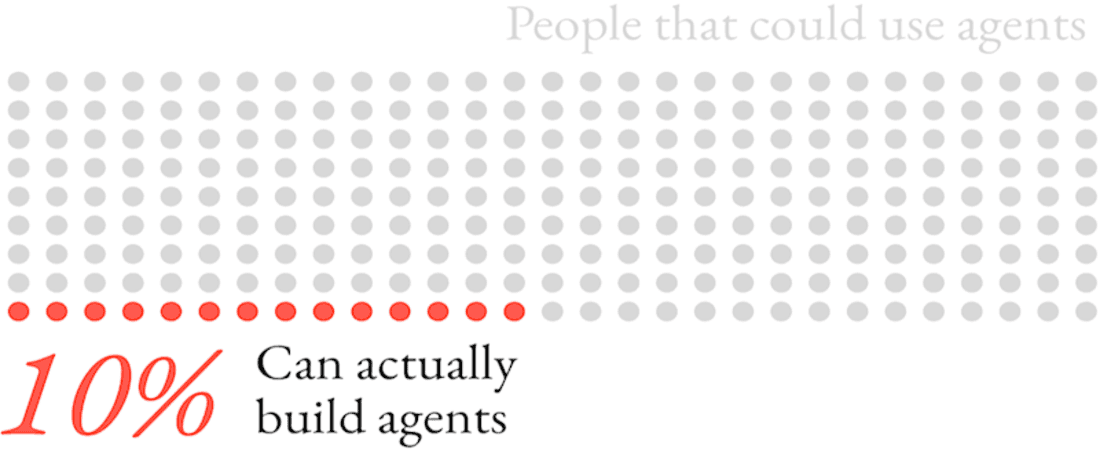
Every organization today wants the promised benefits of AI: embedded agents taking over workflows and making their businesses more efficient. Unfortunately, few have deployed any into production and even fewer have deployed as many as they would like. The bottleneck we see is that the people closest to the work can define what needs to happen, but they must wait on a select few who can actually build the embedded enterprise agents to replace the workflow.
This release closes that gap. Crew Studio is the Automated Agent Builder, in the literal sense: describe the workflow you need, and Studio designs it, builds it, connects it to your tools, and takes it to production. Business teams build. Engineers review, harden, and extend. Platform owners manage a single, governed environment where embedded agents are actually owned.
Here is what shipped and why it matters.
Flows: deterministic workflows with agent intelligence inside
Flows are a feature of the CrewAI framework that allow you to define event-driven workflows where the execution order is guaranteed and deterministic logic defines the order. Inside each step, an agent can apply judgment to the work it's given, whether that's reading an inbound ticket, drafting a summary, pulling data, or deciding which category a record belongs in.
That combination matters because it resolves the trade-off that's kept agents out of real processes for so long.
Pure agent autonomy is powerful in a demo but unpredictable in a pipeline. Pure workflow automation is predictable but limited. Flows put agent intelligence where judgment belongs, and deterministic control everywhere else.
For business units, that means autonomy you can rely on for processes that actually move the business, not just demos. For engineers, determinism is the property that makes an agent system debuggable, testable, and safe to put in front of production traffic.
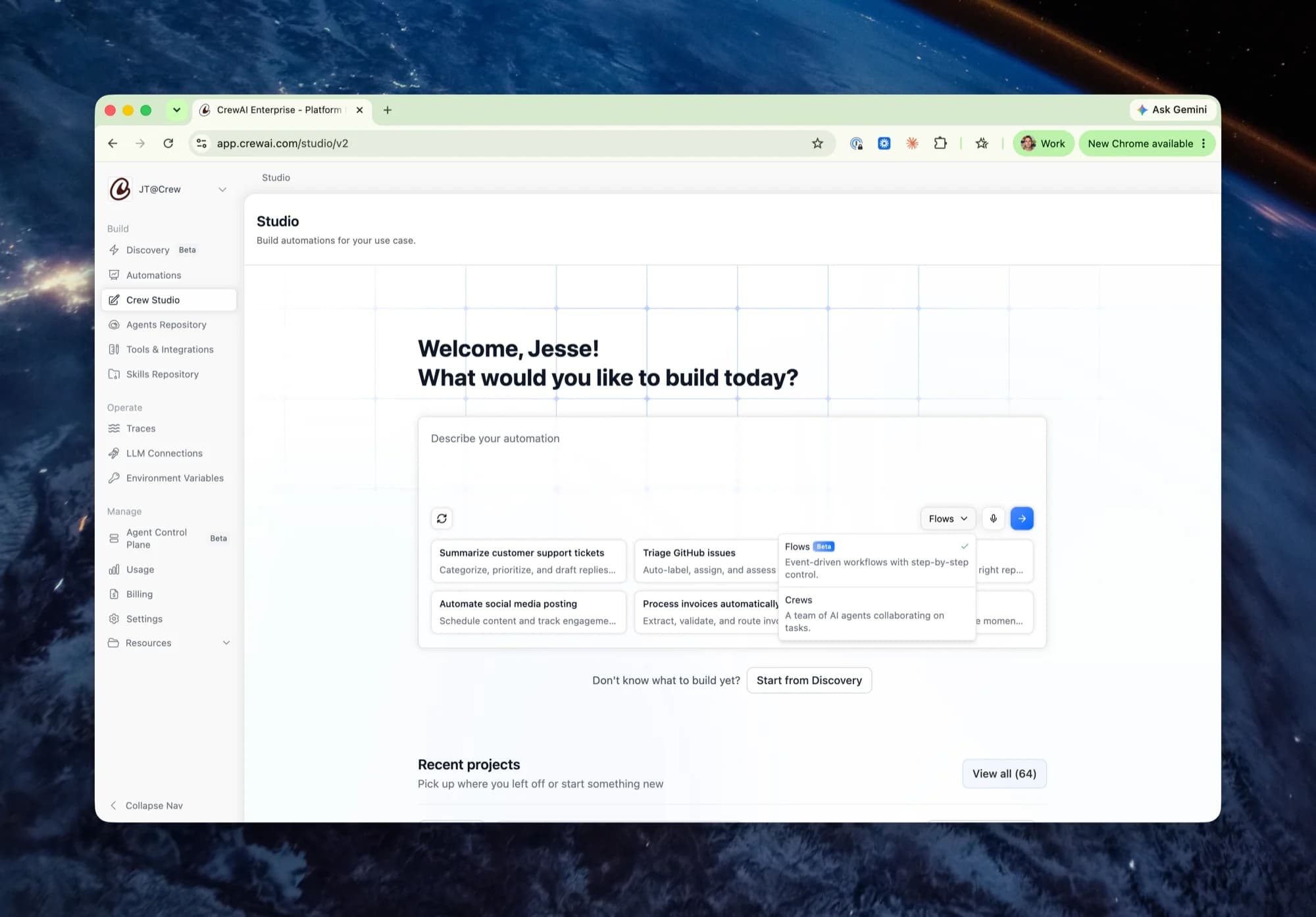
Describe the flow. Studio builds it.
You don't have to assemble a flow by hand. Tell Studio what you need in plain language: "When a new support ticket arrives, classify it, pull the account history, draft a response, and post a summary to the team channel." Then Studio designs the flow architecture, creates the steps, configures the agent in each one, and wires up the integrations. And it isn't guessing how to do this: it's building with best practices drawn from 700K+ use-case patterns extracted from the most successful builds in our open source community. This is the Automated Agent Builder promise, made concrete.
A business builder goes from idea to a working, testable flow in one sitting, without waiting in an engineering queue.
The platform owner gets something just as valuable: confidence that what the business teams build is visible and governed. This is the paved path that gives agents autonomy and humans peace of mind.
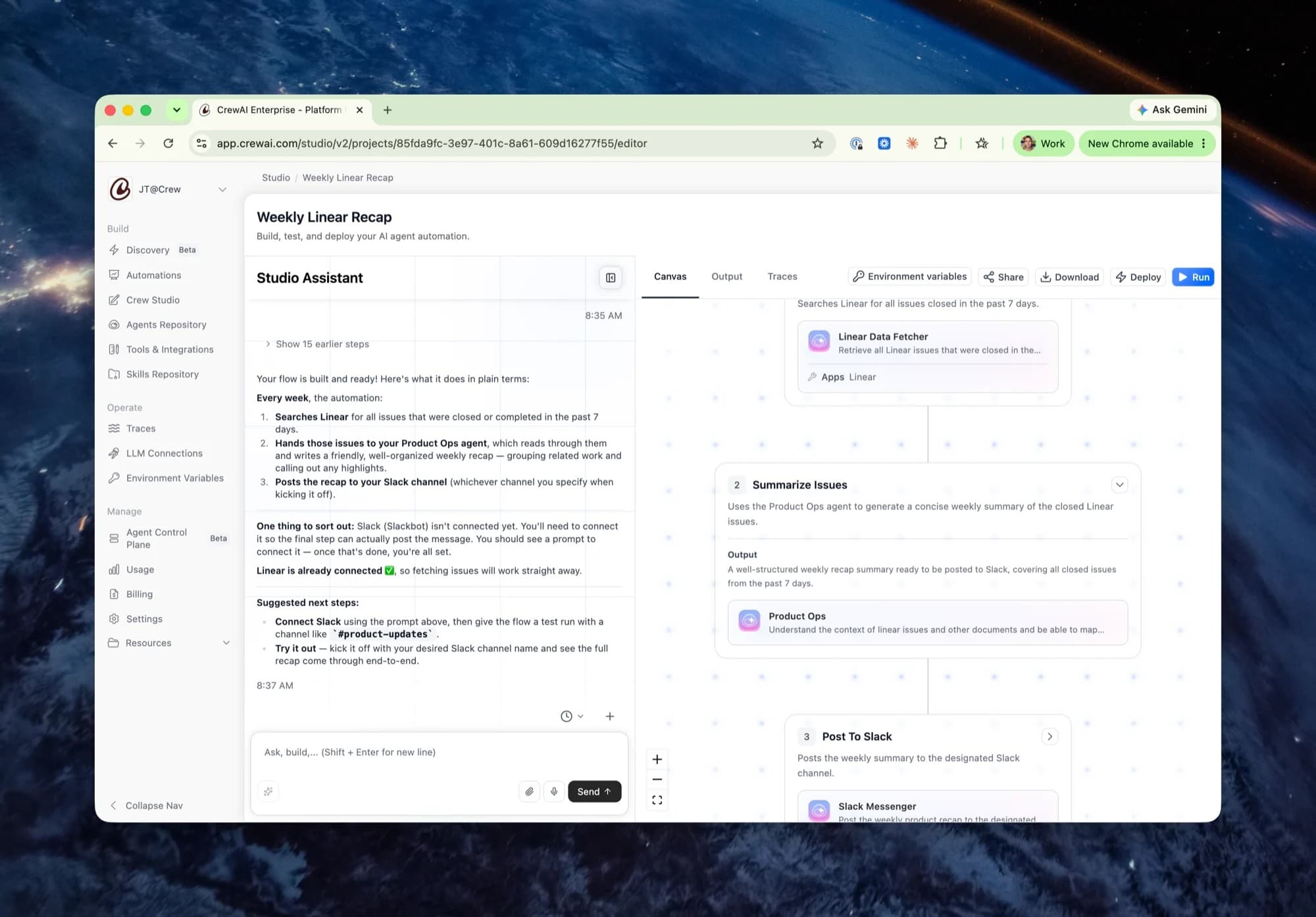
1,000+ new connectors to the tools already embedded in your business
A workflow is only as useful as the systems it touches. Studio can now connect to more than 1,000 applications across the categories where daily work happens: CRM, support, messaging, productivity, marketing, and developer tools. Think messaging, email, your CRM, and your helpdesk, all in one flow.
For business builders, that means no integration project standing between the idea and the build. Your team's actual stack is already reachable. For business units, it means automating the process as it actually runs, across every tool it really touches, not a simplified subset.
For the platform owner, it means those integrations happen inside one governed environment with managed authentication, instead of through one-off scripts scattered across the company.
Three node types that map to how work actually happens
Flows are composed of three kinds of steps. The vocabulary is straightforward on purpose.
Single-agent nodes handle focused tasks: leveraging the CrewAI harness to fetch the data, transform the content, send the message. Each one carries its own task definition, agent profile, model selection, app integrations, and execution controls.
Crew nodes embed an entire multi-agent team in a single workflow step. The crew collaborates autonomously inside that bounded step and passes its output forward. You get the power of multi-agent collaboration without giving up control over the sequence.
Router nodes handle conditional branching, so different outcomes take different paths. The same automation handles every case explicitly, instead of relying on nondeterministic agents to make decisions.
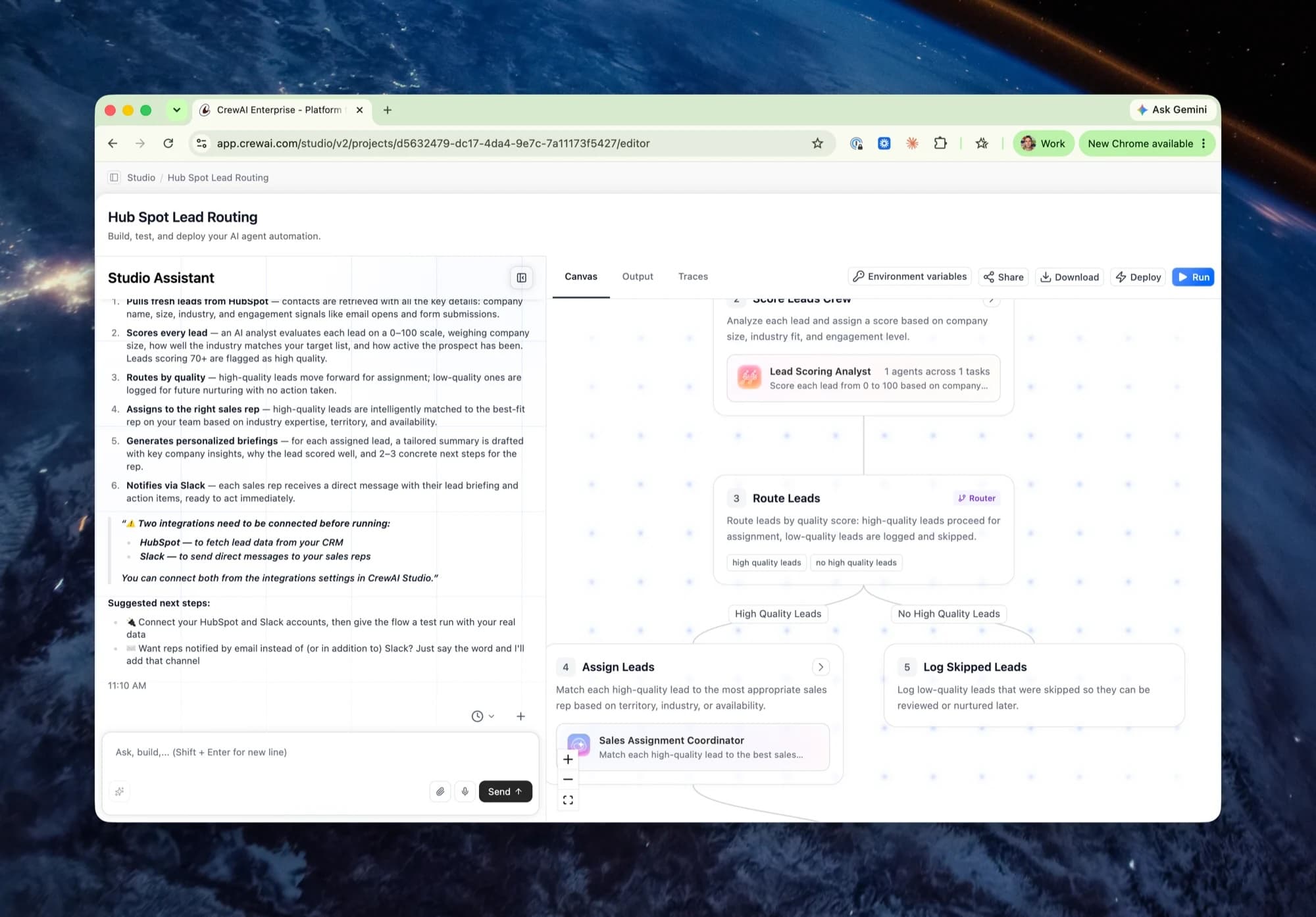
Agents you build once and use everywhere
Every agent built in Studio can be published to an org-wide repository, and any flow can import agents from it. The second flow your team builds should be faster than the first, because the classifier agent, the research agent, and the summarizer already exist.
As the library of standard, vetted agents grows, so does the platform owner’s confidence in each newly built flow.
Reuse is how builds compound across teams instead of starting over. That's the real value.
Your flow is real code, and you can take it with you
Any flow can be exported as source code. Download it, put it in version control, review it in a pull request, or run it on your own terms.
For engineers, that means you can inspect exactly what the visual builder produced before you stand behind it. For the organization, it means the artifact is yours: nothing hidden between the canvas and production, no lock-in question left hanging. What the business team builds is the same thing engineering can read and the platform owner can govern.
Test it, trace it, ship it
Finally, Studio closes the loop where most agent projects stall. Run a flow with the built-in Run function, then inspect what happened in the Output and Traces tabs, step by step, so you know not just what the flow produced but how it got there. When it's right, deploy to production from the same place you built it.
The most expensive place an agent can sit is "it works on my screen." With testing, tracing, and deployment in one environment, the distance from working to running in production collapses. That gap is where enterprise agent projects go to stall, and closing it is the point of this release. This is your paved path to production and ROI.
Build it. Own it. Run it.
Put the pieces together and the shape of the release is clear. Business builders and engineers build in one place, with 1,000+ connectors and a repository of reusable agents behind them. The organization owns the result as real, exportable code. The same environment tests, traces, and deploys it to production under governance the platform owner controls.
The fastest way to understand something is to build it. Open Studio, describe a workflow your team runs every week, and watch the assistant turn it into a flow you can test and ship.
If you want to see it before you build it, Joao Moura and Tom Haddock are running Studio live, including a build that goes from zero to a production agent in real time. Save your seat.
Related News
 Crew AI Enterprise
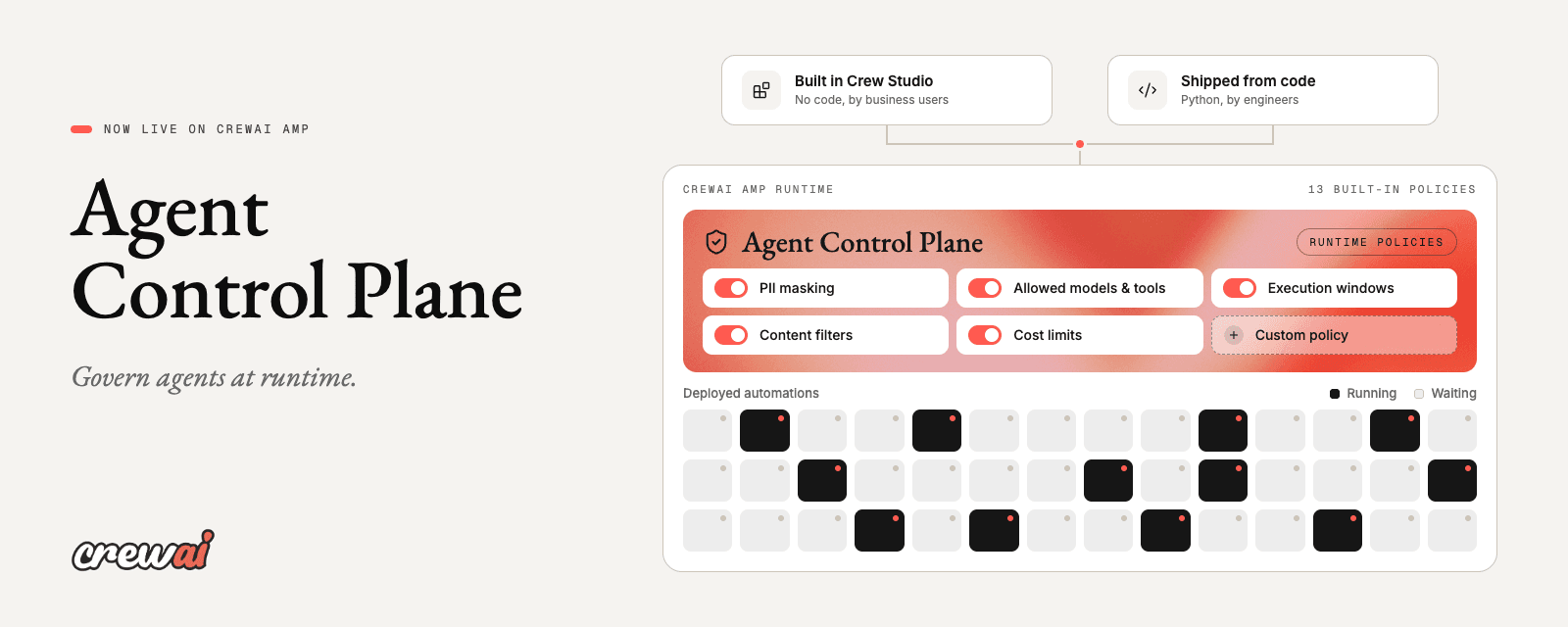
How to govern enterprise agents at runtime with the CrewAI Agent Control Plane
João (Joe) Moura | October 16, 2026
 Crew AI Enterprise
The People Who Understand Don't Build. The People Who Build Don't Understand.
Pedro Moura | August 14, 2026
 Crew AI Enterprise
Enterprises Need a New Agent Building Layer
João (Joe) Moura | July 28, 2026